
Lalal.ai: review, pricing and alternatives
What is Lalal.ai? An Overview
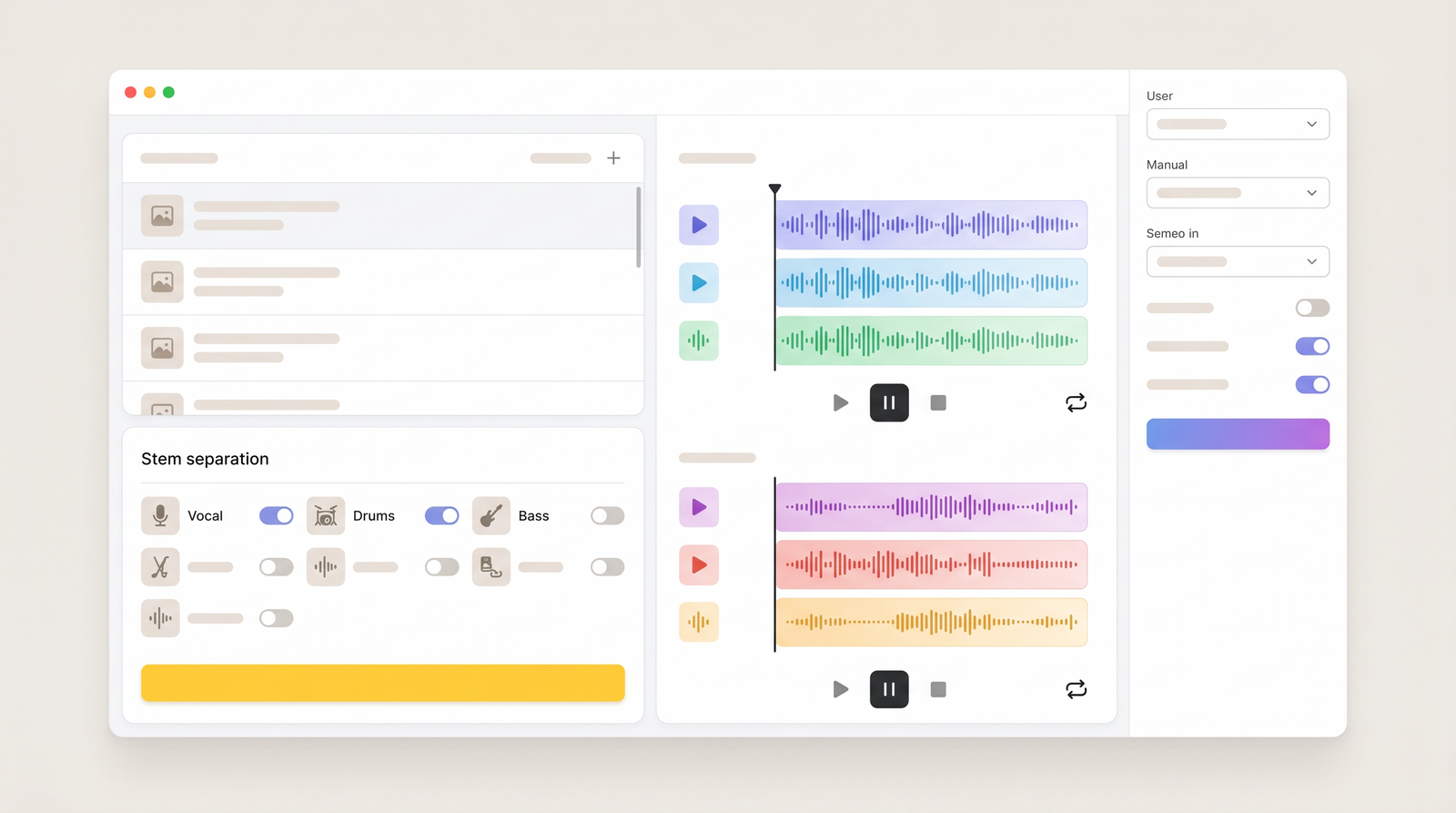
When I first encountered Lalal.ai, it was positioned as a straightforward, yet incredibly effective, AI-powered tool for audio separation. At its core, it's designed to take a mixed audio track – think a song with vocals, drums, and other instruments – and intelligently split it into its individual components, or 'stems.' Its primary function, and what it initially gained significant traction for, was vocal removal and instrumental isolation, making it a go-to for creating karaoke tracks or acapellas.
Since its launch around 2020, Lalal.ai has evolved quite a bit. What started as a focused vocal remover has grown into a more comprehensive suite of audio processing capabilities. It now boasts a more advanced 'Phoenix' neural network algorithm, which is the brains behind its operations, continually refined to improve separation quality. This evolution means it's not just about stripping out vocals anymore; it's about providing a versatile tool for various audio manipulation tasks.
For anyone who's ever tried to cleanly separate elements from a finished track, you know it's a challenging task. Traditional methods often involve complex EQing or relying on less sophisticated software that leaves a lot of artifacts. Lalal.ai steps in with a promise of using artificial intelligence to handle this heavy lifting, aiming to deliver results that are significantly cleaner and more usable than what was previously possible for the average user.
It’s clear that Lalal.ai is targeting a broad audience, from casual music enthusiasts wanting to sing along to their favorite tunes, to professional musicians and content creators looking for high-quality stems for remixes, samples, or voice-over cleaning. Its web-based nature also makes it incredibly accessible, removing the need for specialized software installations.
Key Features: Beyond Vocal Removal
While Lalal.ai made its name with vocal removal, I've found that its feature set has expanded significantly, making it a much more versatile tool than just a simple vocal extractor. Beyond the fundamental vocal and instrumental separation, it can now isolate specific instruments, which is a game-changer for many creative projects. I've personally used it to pull out drums, bass lines, and even guitar parts from tracks, giving me new material for sampling or practice. It also supports piano, synthesizer, strings, and wind instruments, covering a wide range of musical elements.
But the capabilities don't stop at instrument isolation. Lalal.ai has integrated features for cleaning up voice recordings, which I've found incredibly useful for podcast editing or cleaning up noisy vocal takes. It offers noise, echo, and reverb reduction, which can dramatically improve the clarity of spoken word or sung vocals recorded in less-than-ideal environments. This means less time spent manually editing out unwanted sounds.
Another impressive feature that stands out is the ability to split lead and backing vocals. This is particularly valuable for remixers or producers who want to manipulate the main vocal line separately from harmonies. It provides a level of control that was once only achievable with multi-track recordings, not a finished stereo mix. This granular separation truly sets it apart from more basic vocal removers.
Beyond separation and cleanup, Lalal.ai has even ventured into more advanced, creative voice tools. I've seen it offer voice changing capabilities, allowing users to adjust accent and tonality, which could be fun for content creators. And for those looking for cutting-edge applications, it even boasts voice cloning, enabling the rapid production of professional-sounding voiceovers. These advanced features demonstrate a commitment to pushing the boundaries of AI in audio, providing tools that historically would have required significant expertise or expensive software.
How Lalal.ai Works: Getting Started
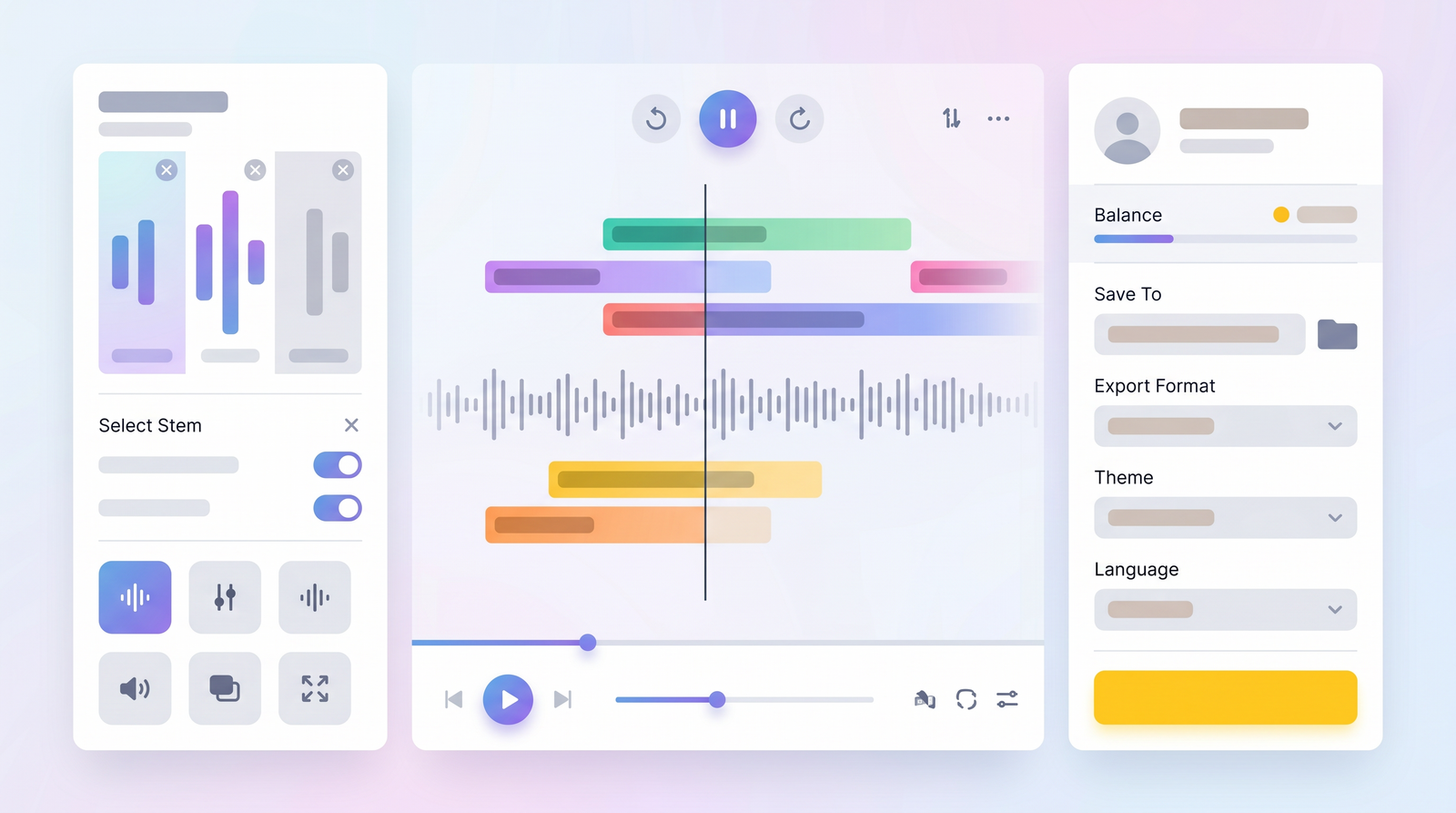
One of the most appealing aspects of Lalal.ai, in my experience, is its sheer simplicity. You don't need to be an audio engineer to get started; the process is entirely web-based and incredibly intuitive. When you land on their site, you're immediately greeted with a clear call to action: drag and drop your audio file. It really is that straightforward. I've uploaded various file types, and the system handles them without a hitch, making the initial step almost effortless.
Once you've uploaded your file, Lalal.ai provides options for what you want to extract. You can choose to separate vocals and instrumental, or delve deeper into isolating specific instruments like drums, bass, or guitar. It even offers previews, allowing you to hear a snippet of the separated stems before committing to the full processing. This 'try before you buy' approach is excellent, especially given that results can sometimes vary depending on the complexity of the original track.
A crucial detail to remember, which I learned early on, is about file types. If you want a high-quality WAV output, you need to upload a WAV file to begin with. The system generally processes your file and provides the output in the same format. While it accepts MP3s and other compressed formats, for professional applications where fidelity is paramount, starting with the highest quality source material will yield the best results.
Underpinning this user-friendly interface is their sophisticated 'Phoenix' neural network algorithm. This AI is constantly learning and improving, analyzing the nuances of sound to distinguish between different instruments and voices. It's what allows Lalal.ai to achieve its level of separation quality, working behind the scenes to perform complex audio analysis that would be impossible manually. This technology is key to its effectiveness, making advanced audio separation accessible to anyone with an internet connection.
Performance and Audio Quality
When evaluating Lalal.ai, the performance and audio quality are, naturally, paramount. I've put it through its paces with a variety of tracks, and my general impression is that it performs admirably, especially for vocal and instrumental separation. The AI does a commendable job of isolating the main components, often leaving you with surprisingly clean stems. For many applications, like creating karaoke versions or extracting acapellas for remixes, the results are more than sufficient and often quite impressive.
However, I have to address Lalal.ai's claim of 'zero audio quality loss.' While the separation can be excellent, it's important to set realistic expectations. In my experience, and as echoed by other users, achieving truly 'zero audio quality loss' is a very high bar for any AI separation tool. You'll often find that while the main elements are well-separated, there can be subtle artifacts or a phenomenon known as 'bleed' – where a tiny bit of one instrument leaks into another stem. This is particularly noticeable in very dense or complex mixes.
Compared to some other tools, particularly dedicated desktop software like Izotope RX, Lalal.ai often produces cleaner results than what you might get from simpler, free alternatives like Koala Sampler's stem splitter. I've noticed less harshness and fewer digital glitches in the separated tracks from Lalal.ai. However, it's not always perfect. There have been instances where the separation wasn't clean enough for my specific needs, especially when dealing with tracks where instruments occupy very similar frequency ranges or are heavily processed with effects.
Ultimately, the effectiveness of the separation heavily depends on the source material. Sparse tracks with clear instrumentation tend to yield excellent results, while heavily compressed, wall-of-sound mixes can present more of a challenge. While it doesn't always achieve perfection, for a web-based tool, its performance is consistently strong, providing usable stems for a wide range of creative and practical applications.
Pricing and Plans: Is it Worth the Cost?
Navigating the pricing structure for audio tools can often be confusing, but Lalal.ai keeps it relatively straightforward with a pay-as-you-go model. This is a significant advantage, in my opinion, as it means you're not locked into a monthly subscription if you only need the service occasionally. What I appreciate most is the availability of a free tier, which allows you to test the waters before committing any money.
The free tier is quite generous for quick tests. It typically allows for up to 10 minutes of audio separation and has an upload limit of around 50 MB per file. The main drawback is that processing might be slower, and you're limited in how many full tracks you can process. However, it's perfect for verifying if the tool works well with your specific audio file before you spend anything.
Once you decide to upgrade, Lalal.ai offers one-time payment options, which is a refreshing change from the subscription-heavy software world. I've seen various pricing tiers, generally ranging from around $20 to $70, often referred to as 'Lite' or 'Plus' packs. These packs typically offer a set number of minutes for processing, and you simply purchase more as you need them. I've also noticed that they run semi-regular sales, sometimes offering 50% off, so it's worth keeping an eye out for those deals.
Considering the quality of separation and the convenience of a web-based tool, I generally find the pricing to be quite reasonable, especially if you're not a heavy, daily user. For someone who only needs to process a few tracks a month, a one-time purchase can last for a long time. However, if you're planning on processing a vast library of music, the costs can add up, making it important to weigh the value against potential alternatives.
| Plan | Price (Approx.) | Best for |
|---|---|---|
| Free Tier | Free | Testing, occasional short separations (up to 10 mins) |
| Lite Pack | $10 - $20 (one-time) | Light users, small projects, getting started with paid features |
| Plus Pack | $30 - $70 (one-time) | Regular users, musicians, content creators with moderate needs |
| Enterprise | Custom pricing | High-volume users, businesses needing API integration |
Pros and Cons of Lalal.ai
Having spent a good amount of time with Lalal.ai, I've developed a clear picture of its strengths and weaknesses. On the positive side, its ease of use is, without a doubt, one of its greatest assets. The drag-and-drop interface and web-based accessibility mean you can be separating stems within seconds, without needing to download or install any complex software. This low barrier to entry is fantastic for anyone, from casual users to busy professionals.
Another major pro is the quality of its separation for specific tasks. For vocal and instrumental isolation, especially on tracks that aren't overly dense, Lalal.ai often delivers impressively clean results. I've found it particularly effective for creating acapellas or instrumental backing tracks, and its ability to reduce noise, echo, and reverb in voice recordings is a significant bonus for podcasters and content creators. The range of separations available, from drums to bass to synthesizers, also adds considerable value for musicians and remixers.
However, it's not without its drawbacks. The primary concern I've encountered, and one that resonates with other users, is the potential for 'unusable results' in certain situations. While it often works wonders, some tracks, particularly those with complex arrangements or heavy effects, can still result in artifacts or bleed that make the separated stems less than perfect for professional use. This inconsistency means you can't always rely on it for every single track.
The cost, while reasonable for occasional use with its one-time payment model, can become a disadvantage for heavy users. If you're constantly processing many tracks, those minutes can add up, potentially making dedicated software a more cost-effective long-term solution. Lastly, its browser-dependency, while convenient, can sometimes lead to minor issues, such as compatibility quirks with certain browsers (like Safari, as some have noted) or reliance on a stable internet connection for processing.
For quick, generally clean separations, Lalal.ai is a fantastic tool, but be prepared for occasional imperfections, especially with challenging source material.
Who is Lalal.ai Best For? Use Cases
Based on my experience and its feature set, Lalal.ai truly shines for a diverse group of users, each finding unique value in its capabilities. First and foremost, it's a dream come true for DJs and remixers. The ability to quickly extract acapellas or instrumental tracks opens up a world of creative possibilities for mashups, edits, and live performances. No more tedious manual EQing or settling for low-quality rips; Lalal.ai provides a cleaner starting point.
Musicians and producers also benefit immensely. Whether you're trying to learn a specific bassline by isolating it from a song, or you need clean drum samples from an existing track, Lalal.ai makes it accessible. I've used it to pull out guitar parts to practice along with, and it's invaluable for creating backing tracks for practice or performance. It’s like having a digital assistant to help you deconstruct complex mixes.
For content creators and podcasters, the voice cleaning features are a standout. If you've ever recorded an interview in a noisy environment or found that your voiceover has an annoying echo, Lalal.ai's noise, echo, and reverb reduction tools can be a lifesaver. It can dramatically improve the clarity and professionalism of spoken word recordings, saving hours of manual editing and making your content sound much more polished.
Finally, for anyone simply looking to create karaoke tracks or extract vocals for educational purposes, Lalal.ai is incredibly user-friendly. You can turn almost any song into a sing-along version with just a few clicks. It democratizes audio separation, putting powerful tools into the hands of casual users who might otherwise be intimidated by professional audio software. It’s an efficient solution for anyone needing quick, high-quality audio component extraction without the steep learning curve.
Lalal.ai Alternatives and Competitors
In the rapidly evolving world of AI audio processing, Lalal.ai isn't the only player on the field, and it's worth considering its competitors when deciding if it's the right tool for you. Many users, myself included, often compare it to more established or specialized software. For instance, high-end audio repair suites like Izotope RX offer incredibly detailed and powerful stem separation and audio cleanup tools. While Izotope RX provides a deeper level of control and often more pristine results, it also comes with a significantly higher price tag and a steeper learning curve, making it less accessible for casual users.
On the other end of the spectrum, you have simpler, often free or built-in options. The Koala Sampler, for example, includes a stem splitter, and while it's incredibly convenient for quick sampling on the go, I've found that Lalal.ai generally produces a cleaner separation with fewer artifacts and less bleed. This difference in quality often justifies Lalal.ai's cost for more critical applications.
Other notable competitors include specialized software like Hit'n'Mix Infinity, which is highly regarded for its advanced capabilities in isolating and manipulating individual notes and instruments within a mix. This is a very powerful tool, but again, it's a professional-grade solution with a corresponding price and complexity. There are also open-source or less polished tools like Stemroller, which some users explore, though these can sometimes be more resource-intensive or less reliable in their output.
What sets Lalal.ai apart in this landscape is its blend of accessibility, ease of use, and generally high-quality results for a web-based, pay-as-you-go service. It strikes a good balance between the rudimentary free options and the expensive, professional-grade desktop software. When looking at online tools, you can see how it stacks up against alternatives on Top10k, often ranking highly for its user-friendliness and effective vocal removal.
Lalal.ai Review: The Final Verdict
After extensive use and putting it through its paces, my final verdict on Lalal.ai is largely positive, with a few important caveats. Its value proposition lies squarely in its ability to democratize advanced audio separation. For anyone who needs to quickly and relatively cleanly extract vocals, instrumentals, or specific stems from a mixed track without investing in expensive software or learning complex audio engineering techniques, Lalal.ai is an excellent choice.
I find it particularly indispensable for content creators, aspiring DJs, and musicians who need acapellas for remixes, instrumental backing tracks for practice, or to clean up noisy voice recordings. The convenience of its web-based, drag-and-drop interface, combined with the power of its AI-driven 'Phoenix' algorithm, makes it incredibly efficient. The one-time payment model is also a significant plus, avoiding the commitment of monthly subscriptions for occasional users.
However, it's crucial to manage expectations regarding 'zero audio quality loss.' While Lalal.ai performs exceptionally well for many tracks, complex or heavily produced mixes can still yield results with some minor artifacts or bleed. It's not a magic bullet that will always produce studio-perfect stems, but for the vast majority of common use cases, the output is more than sufficient and often surprisingly good.
Ultimately, I recommend Lalal.ai to anyone looking for a reliable, easy-to-use, and reasonably priced solution for audio stem separation and voice cleanup. If your needs are occasional or project-based, and you prioritize convenience and decent quality over absolute sonic perfection at a professional studio level, then Lalal.ai is definitely worth considering. It's a powerful tool that delivers on its core promises, making formerly complex tasks accessible to a broader audience.
Full profile and live ranking: https://top10k.com/ai/lalalai
Published by

Discover Top10k Tools — a suite of online utilities packed with over 4,000 handy web tools that help save time on routine tasks.
It spans content optimization, image processing, programming, calculations, and workflow tasks. Each tool runs right in the browser, making them quick to access anywhere.
Top10k Tools is working toward reaching 10,000 useful web tools for work, study, and daily life.
From freelancers to small teams, there's likely a tool that fits. Start using the tools today.
Frequently asked questions
What is Lalal.ai primarily used for?
Lalal.ai is primarily used for AI-powered audio separation, allowing users to remove vocals, isolate instrumentals, or extract specific instruments like drums, bass, or guitar from mixed audio tracks. It's popular for creating karaoke versions, acapellas, and samples for remixes.
Is there a free version of Lalal.ai?
Yes, Lalal.ai offers a free tier that allows users to process a limited amount of audio, typically up to 10 minutes, with a file size limit of 50 MB. This free option is great for testing the service and previewing results before making a purchase.
How does Lalal.ai's pricing work?
Lalal.ai uses a pay-as-you-go model with one-time payments for 'packs' of processing minutes, rather than monthly subscriptions. Prices generally range from $10 to $70, and they often offer sales and discounts, making it flexible for occasional users.
What kind of audio quality can I expect from Lalal.ai?
You can generally expect good to very good audio quality, especially for vocal and instrumental separation on less complex tracks. While Lalal.ai aims for 'zero audio quality loss,' some subtle artifacts or bleed can occur in very dense or heavily processed mixes.
Can Lalal.ai separate individual instruments?
Yes, beyond just vocals and instrumentals, Lalal.ai can isolate specific instruments such as drums, bass, guitar, piano, and synthesizers. This feature is highly valuable for musicians, producers, and anyone needing particular stems for creative projects.
Is Lalal.ai easy to use for beginners?
Absolutely. Lalal.ai is designed with a simple, web-based drag-and-drop interface, making it incredibly easy for beginners to use without any prior audio engineering experience. You simply upload your file, choose your desired separation, and download the results.
Are there any good alternatives to Lalal.ai?
Yes, alternatives include professional desktop software like Izotope RX and Hit'n'Mix Infinity for advanced control, or simpler tools like Koala Sampler's stem splitter. Lalal.ai typically offers a balance of quality and ease of use compared to these options.
Is Lalal.ai worth the cost?
For most users, especially those needing quick, reliable audio separation for tasks like creating karaoke tracks, acapellas, or cleaning voice recordings, Lalal.ai is definitely worth the cost. Its one-time payment model offers great value for occasional to moderate use.